Developed by Solvit
QR menu and delivery site with Syrve or on its own
16 built-in designs, a QR menu on every table and a delivery point on the map. The site works on its own — orders arrive in the panel and in Telegram — or connected to Syrve, where it replaces the built-in delivery website and orders land in Syrve Front without retyping.
The challenge
Phone orders, PDF menus and an inflexible built-in site
- Orders from phone calls and Instagram are retyped by hand
- The menu on paper or PDF is always out of date
- Guests cannot point to the delivery spot on a map
- The Syrve built-in site cannot be styled to your brand
Benefits
What Solvit Sites gives you
With Syrve or without
On its own — orders in the panel and Telegram. With Syrve — straight to Syrve Front.
Always the current menu
Edited in the panel or pulled from Syrve with prices, modifiers and stop list.
Delivery on the map
The guest drops a pin — zone, price and minimum are counted at once.
16 built-in designs
From Bento and Editorial to Neon Night and Fine Dining — plus colours, fonts and your own domain.
How it looks
real screens, made-up data
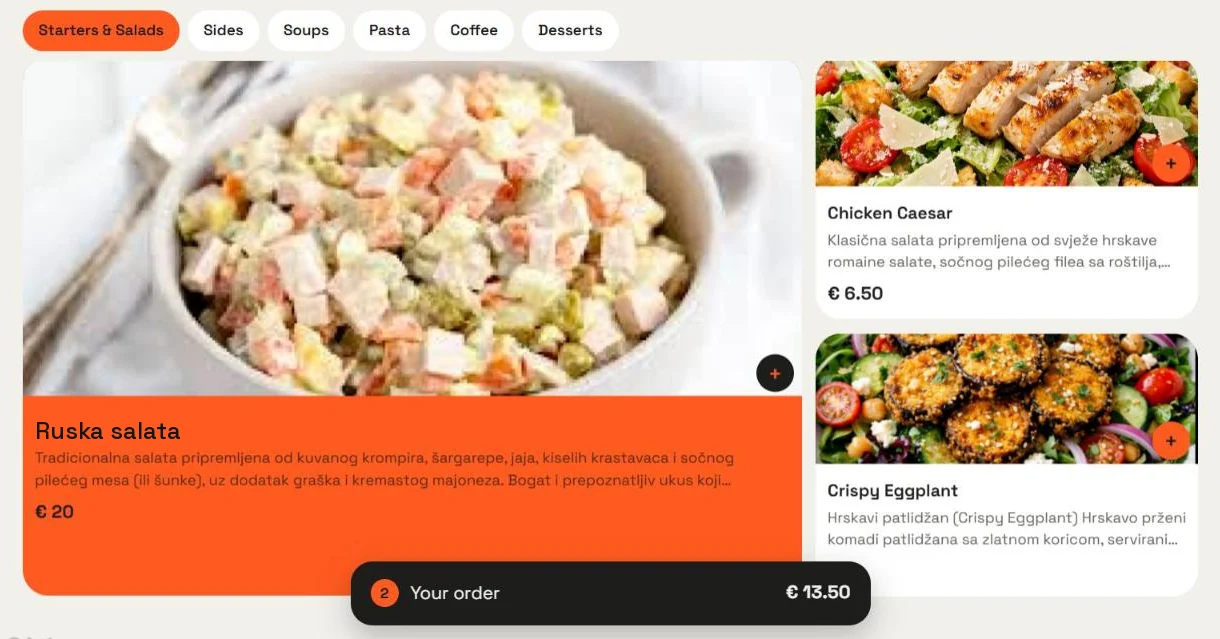
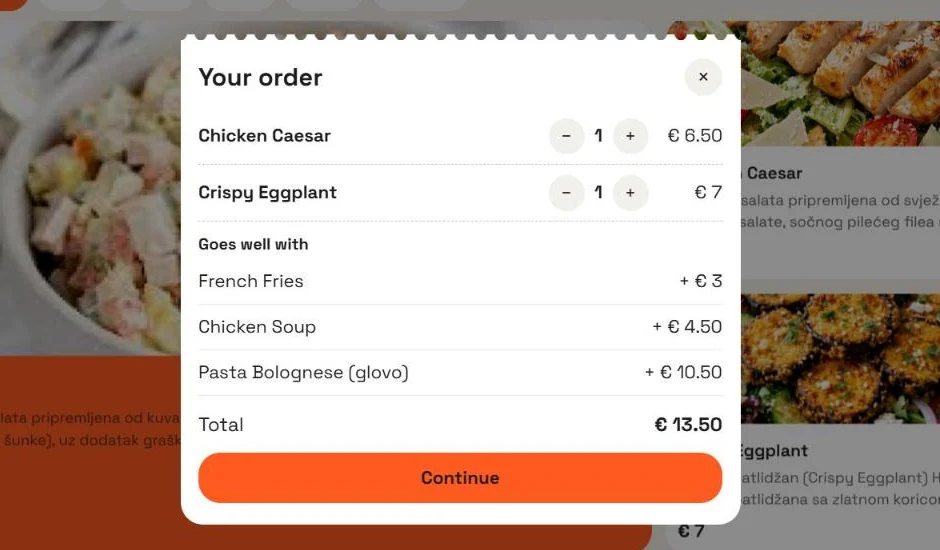
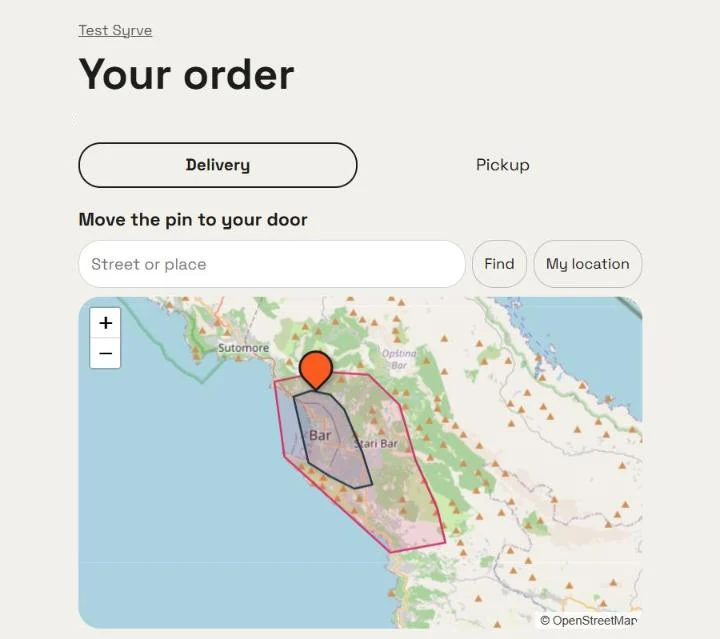
Features
Features
Works as a standalone site or as a replacement for the Syrve built-in delivery website.
01
Menu
In the panel or from Syrve: categories, sizes, modifiers, stop list.
02
QR on tables
A code per table and a print sheet.
03
Delivery zones
Drawn on the map, each with its price and minimum.
04
16 designs
Ready styles, colours, fonts, blocks and live preview.
05
Chains
One address, a location picker, each venue with its own settings.
06
ME · EN · RU
The guest site in three languages, search and allergen filter.
07
Order status
The guest sees the order status; the team gets Telegram alerts.
08
Syrve integration
Orders to Syrve Front, statuses back, guest linked with loyalty points.
Who it is for
Restaurants & cafés
With Syrve or any other POS.
Chains
Several venues on one site.
Venues with delivery
Zones and prices on the map.
How to get started
- 01
Request
Tell us about your venue.
- 02
Menu
We load your menu or connect Syrve.
- 03
Design
Logo, colours, zones and QR codes for the tables.
- 04
Launch
The site on your subdomain or your own domain.
FAQ
Frequently asked questions
Do I need Syrve?
No. Without Syrve the menu is kept in the site panel and orders arrive in the panel and Telegram. With Syrve the site takes the menu from Syrve and sends orders to Syrve Front through the Syrve Cloud API.
Can I keep my own domain?
Yes. By default the site lives on a subdomain like your-name.solvit.work, and we can connect your own domain.
Can guests pay online?
For now guests pay on delivery or at the table. Online card payment is prepared and will be connected together with a payment provider.
What if the till is offline?
The guest sees a clear message instead of a lost order, and the team gets an alert.
We will show the site on your menu
We will set up a demo with your menu — or connected to your Syrve — and show the QR menu and delivery.